

Designed a Facility Management System that enables property operators onboard property, manage building, assets and tenants for long term visibility.
Client:
Grep Digital
Role:
UX Designer
Year:
2025
Scope:
Product Design, Design System
The objective
To design and develop a Facility Management System (FMS) for Aurbis that simplifies complex operational workflows by enabling facility managers and employees to efficiently manage properties, buildings, assets, and tenants through a structured, intuitive, and unified platform.
Understanding the challenge
Facility management platforms typically deal with large volumes of spatial and operational data. The biggest challenge in this project was not simply listing properties or assets, but visually representing them in a way that makes management easier and more intuitive.
Two areas quickly emerged as the core design challenges:
Property Annotation and Mapping
Building Management within Property Onboarding
Design approach
Since the client had given the very low fidelity paper sketches of all the, we decided to move directly into high-fidelity wireframes. This allowed us to quickly visualise the workflows and validate them with stakeholders while maintaining design consistency.
The design process followed three key stages:
Understanding the property hierarchy
Designing spatial interaction tools
Structuring operational modules
When a new property is added, managers need to define the exact geographic boundaries and spatial structure of the property.
The annotation toolkit included:
Draw Property on Map
Longitudinal Property
Boundary Editing Tools

Annotation-step 1

Annotation-step 2
Instead of entering coordinates or complex data fields, the design allowed users to interact visually with the map, making property definition fast, accurate, and intuitive.
We designed the building onboarding flow to be visual and structured, ensuring that users could easily understand how buildings relate to the property.
Key design considerations included:
Uploading building plans or floor layouts
Structuring buildings under the mapped property
Creating a visual hierarchy of property → buildings → floors

To make navigation easier, we introduced an interactive property visualization layer. This allowed employees and managers to see buildings represented visually within the property context rather than navigating through complex lists.
Beyond property and building management, the platform included two essential modules:
Tenant management and Asset management.
This module allows facility managers to manage tenants occupying different buildings or units within a property.
Key capabilities included:
Assigning tenants to buildings or units
Managing tenant details and records
Tracking occupancy within the property structure

The design ensured tenant information remained contextually linked to the spatial hierarchy, preventing data from feeling disconnected from the physical environment.
Asset management
Facilities typically contain a wide range of assets — from equipment and infrastructure to maintenance components.
The Asset Management module enables employees to:
Register and track facility assets
Assign assets to buildings or locations
Monitor asset information within the property structure

By linking assets directly to buildings and property maps, the system provides a clear location-based asset overview, making facility operations easier to manage.

Objective
Ensure consistent branding and user experience across all products.
Speed up the design and development process by providing pre-designed components
Enhance collaboration and communication between design and development teams.
Foster innovation by allowing for the rapid creation of new user interfaces.
Content
Avatars
Visual representation of a user or entity

Buttons
Enables user interactions with digital interfaces, maintains consistency, establish visual hierarchy, enhance accessibility, improve efficiency, and reinforce a brand's identity.

Cards
To organise informations consistently

Charts and Graphs
To compare discrete data or show trends over time

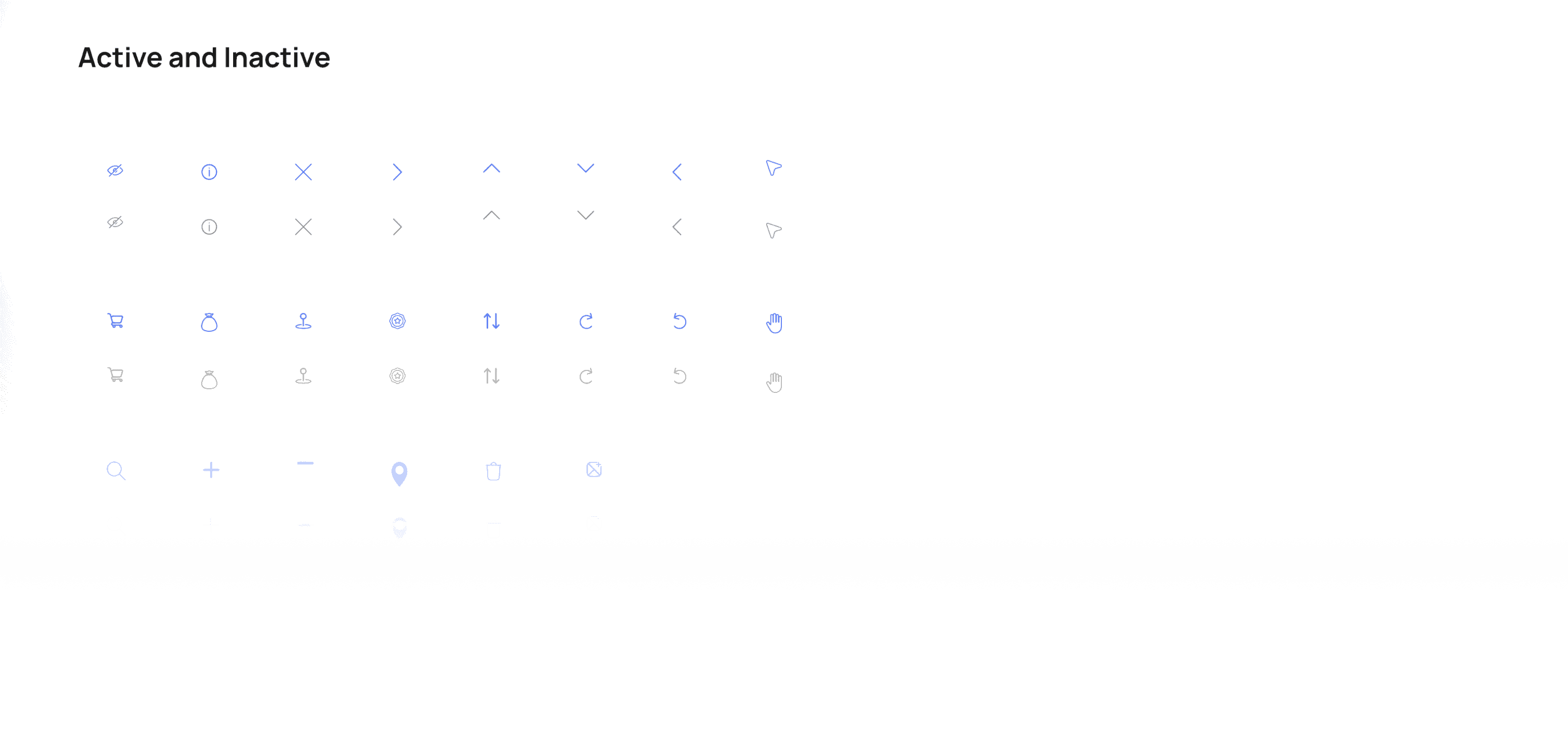
Icons
Consistent and universally understandable symbols to convey information, actions, and concepts, improving user experience, visual consistency, and efficient design.
Componets
Standardised building blocks used for creating consistent and efficient designs and user experiences, consistency, scalability, collaboration, and accessibility while saving time and resources in design and development processes.
Illustration and Assets
Collection of pre-defined visual elements used to enhance user interface and brand identity

Outcome
Within the three-month timeline, the project resulted in a comprehensive high-fidelity design system for the Facility Management System.
The platform successfully brought together:
Spatial property mapping
Interactive building management
Tenant and asset management modules
By combining visual interaction with structured workflows, the design transformed complex facility operations into an intuitive management experience for employees and facility managers.
This project demonstrated how visual spatial interaction can simplify complex operational systems. Rather than relying solely on traditional forms and tables, the design used maps, annotations, and visual hierarchies to make facility management more understandable and efficient.
Designing the system for Aurbis was an opportunity to explore how digital interfaces can bridge the gap between physical spaces and operational data, ultimately helping organizations manage their facilities more effectively.